Screenshots
See it in action
Dark Themes
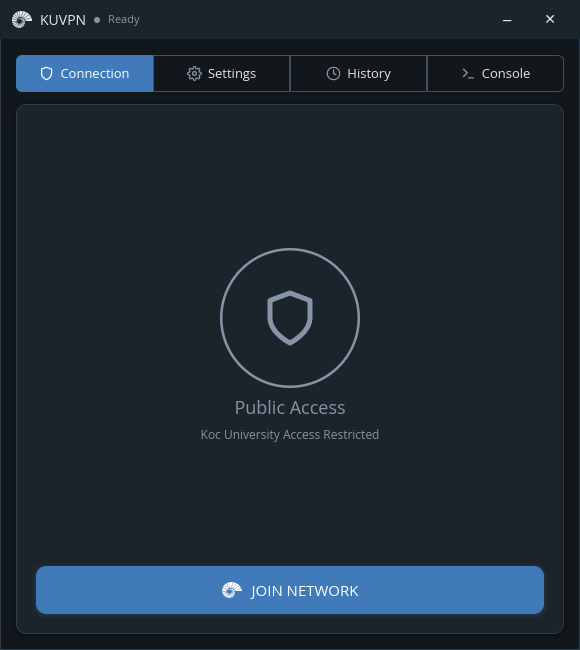
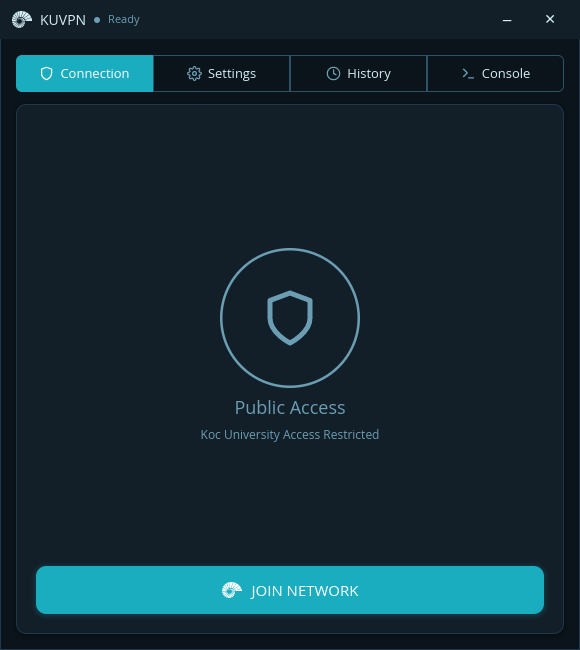
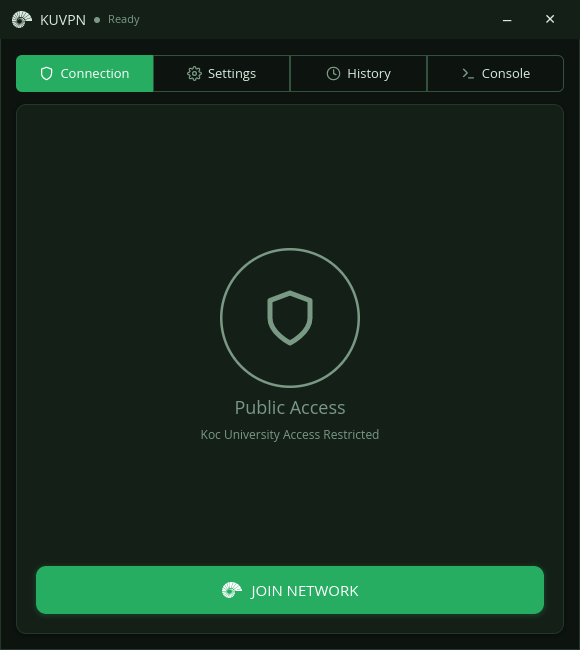
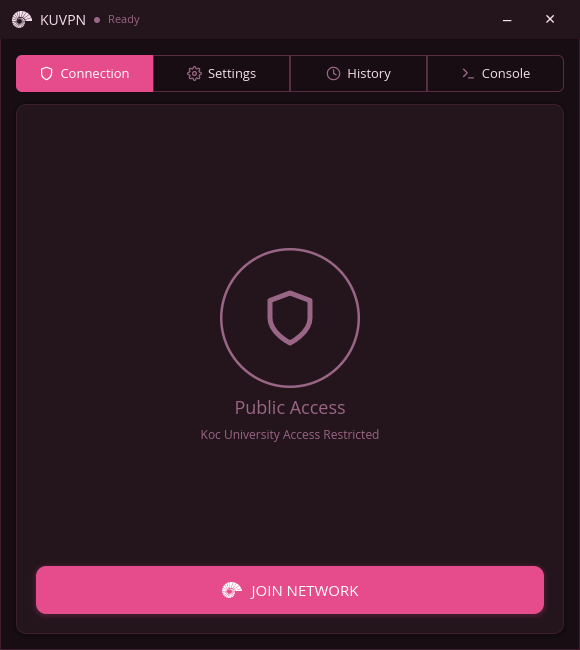
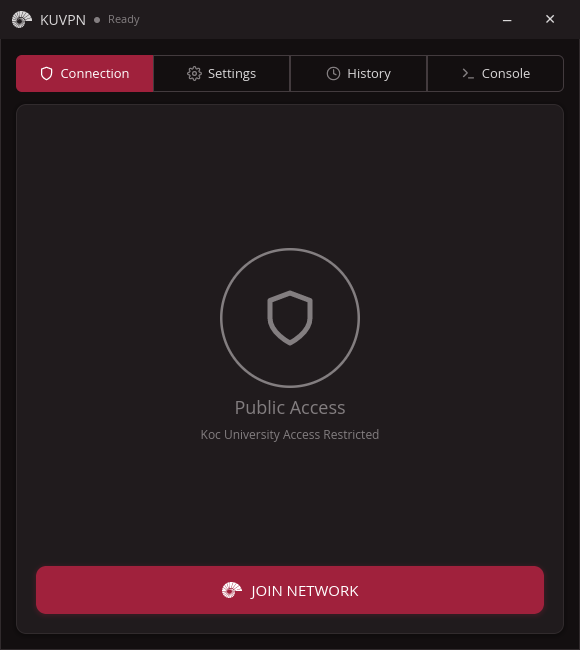
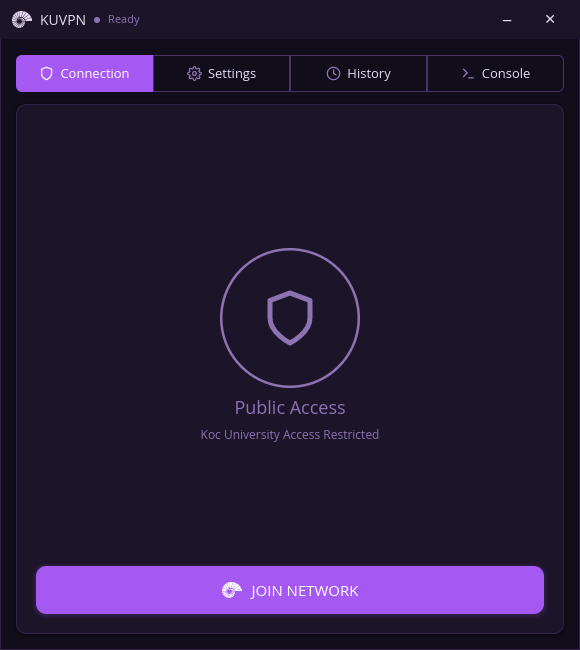
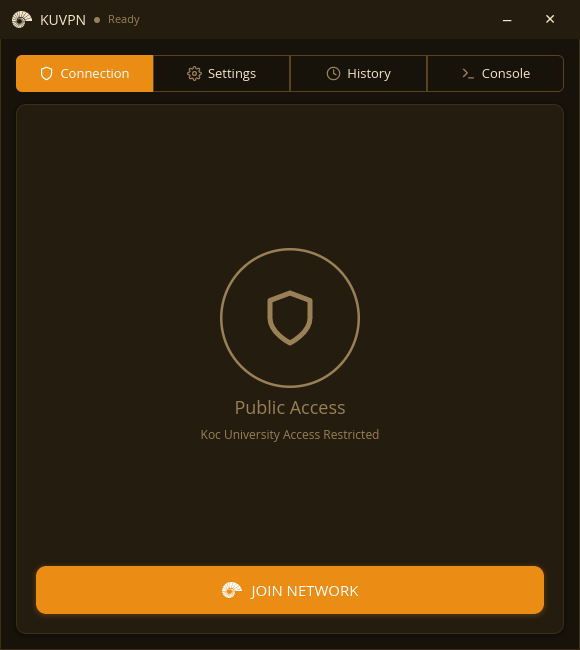
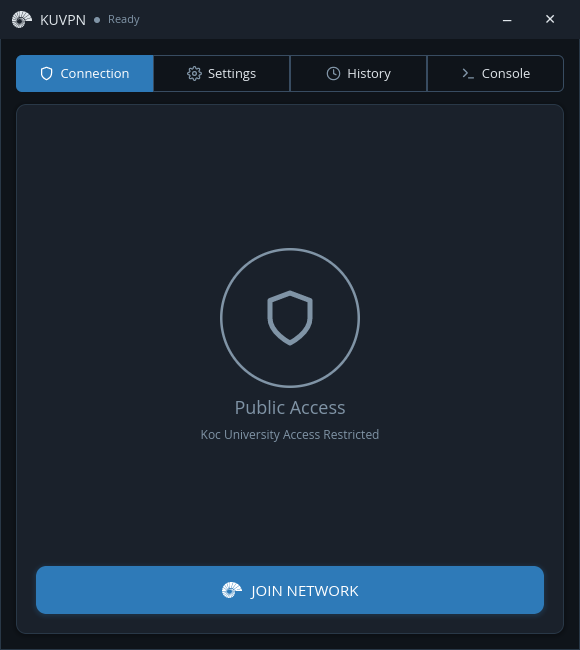
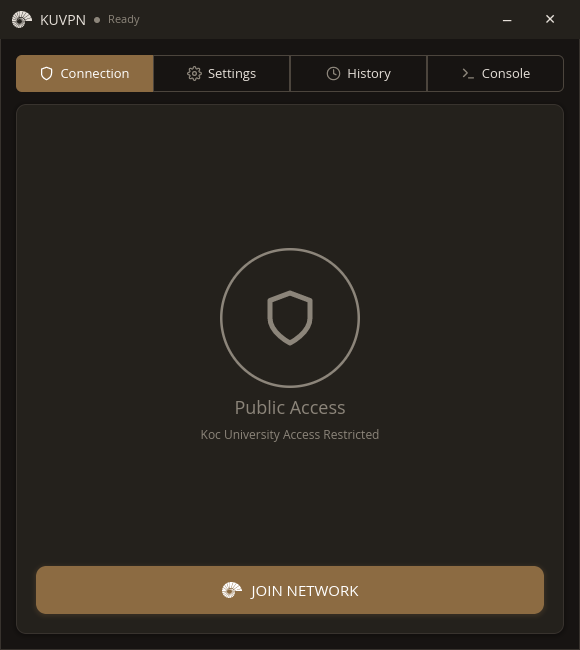
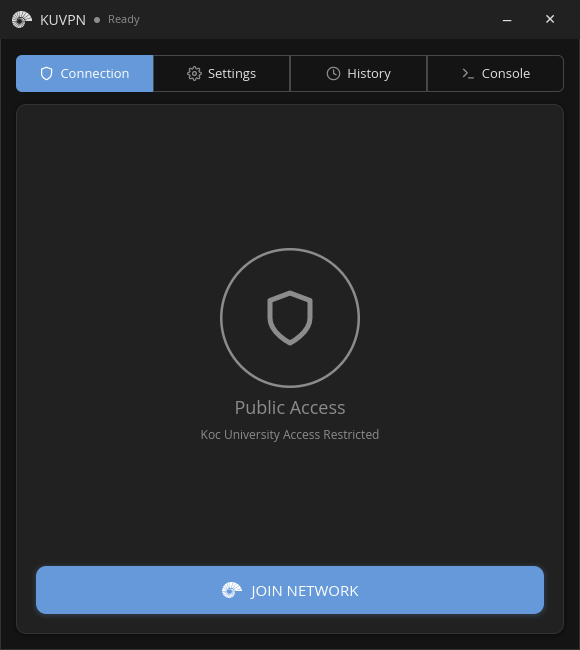
Light Themes
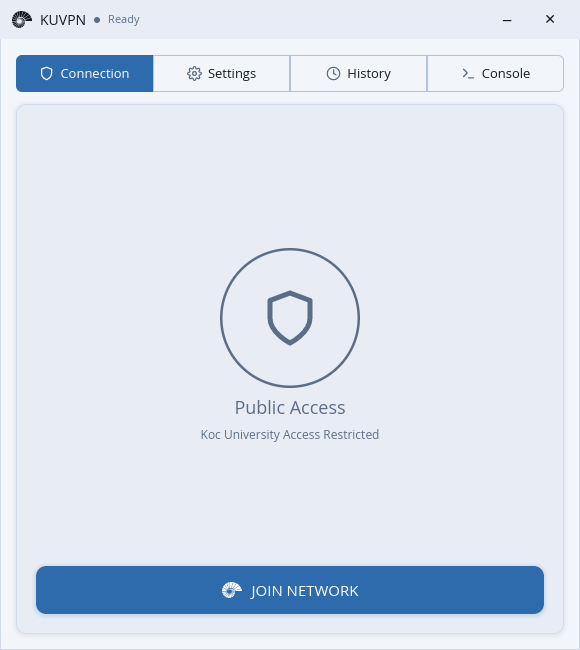
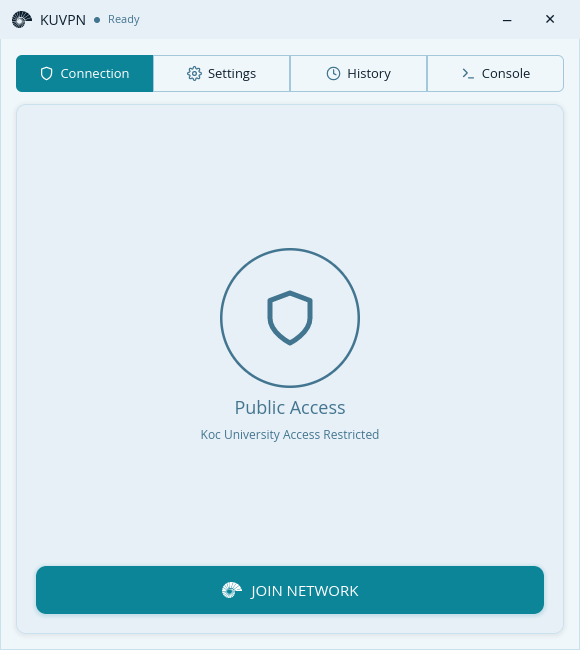
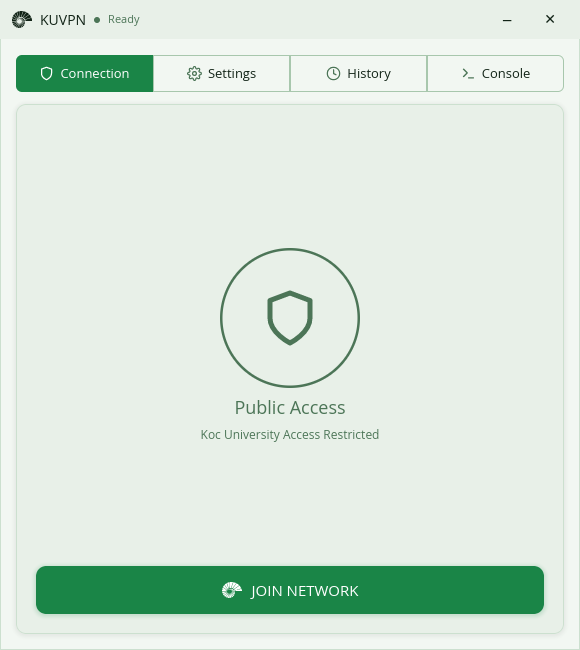
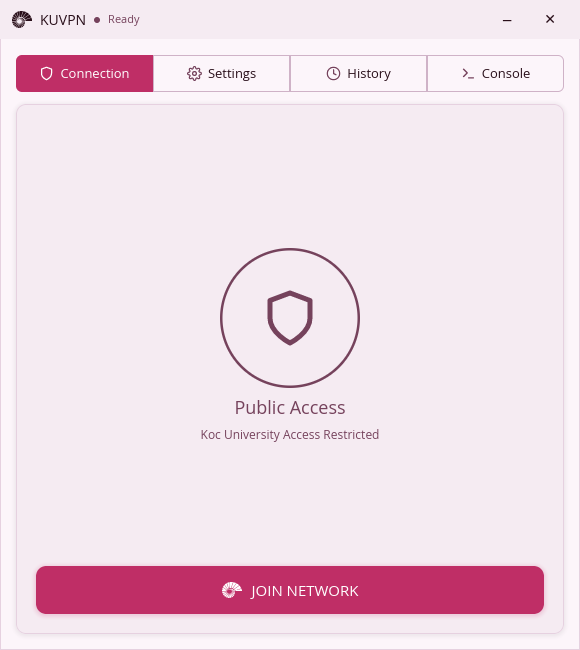
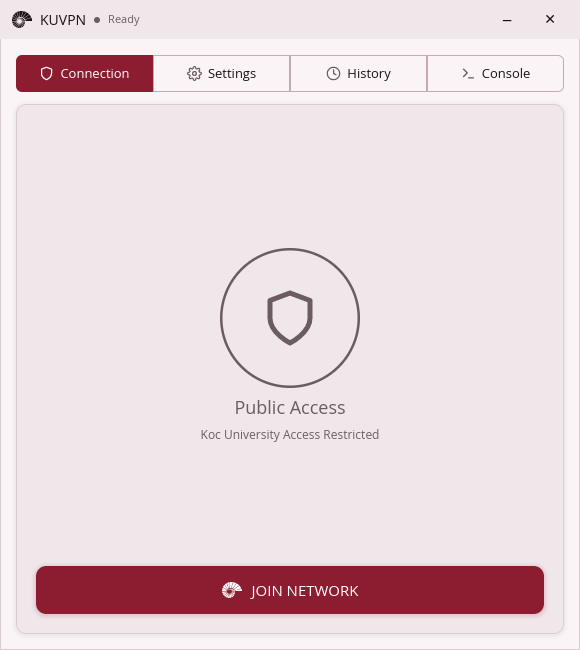
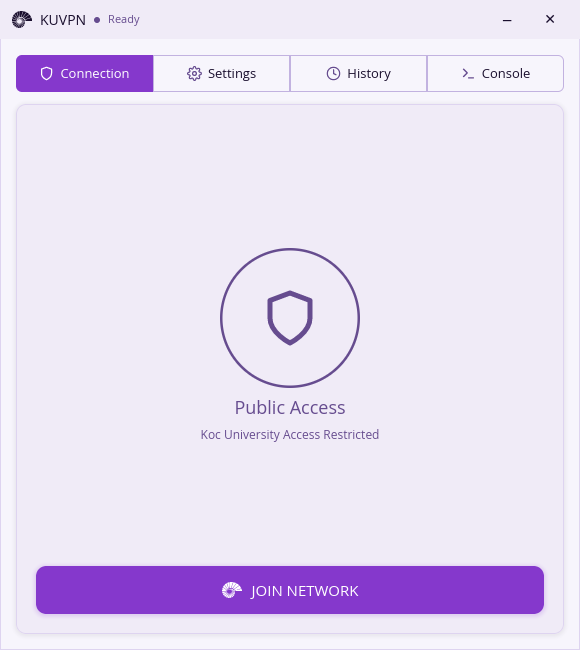
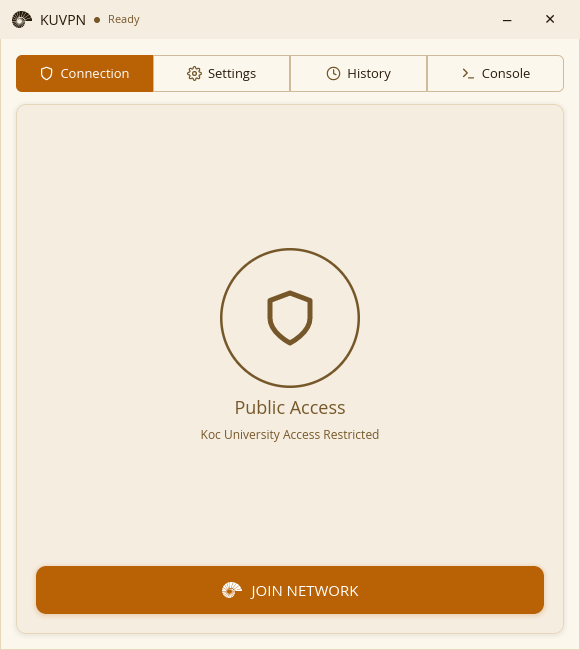
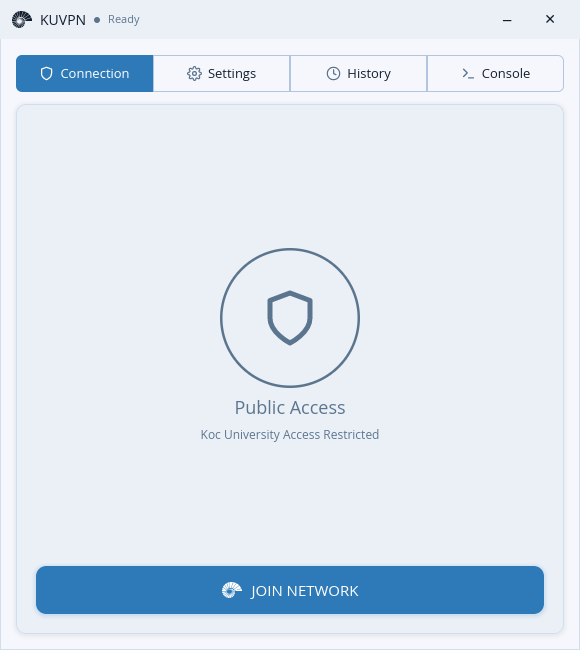
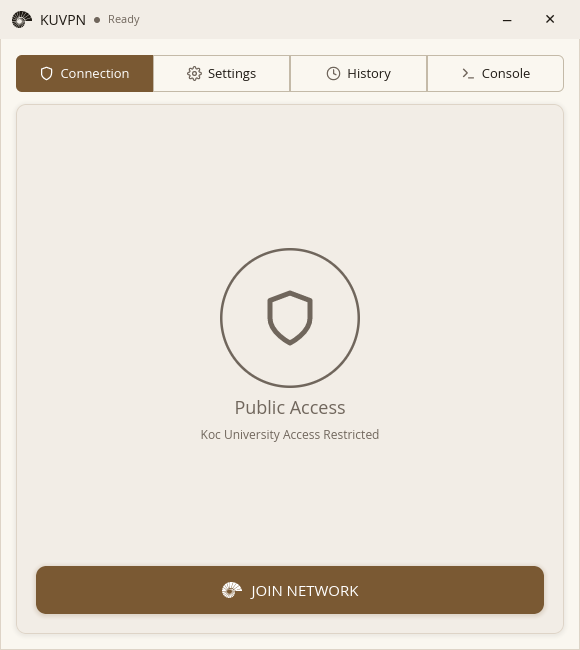
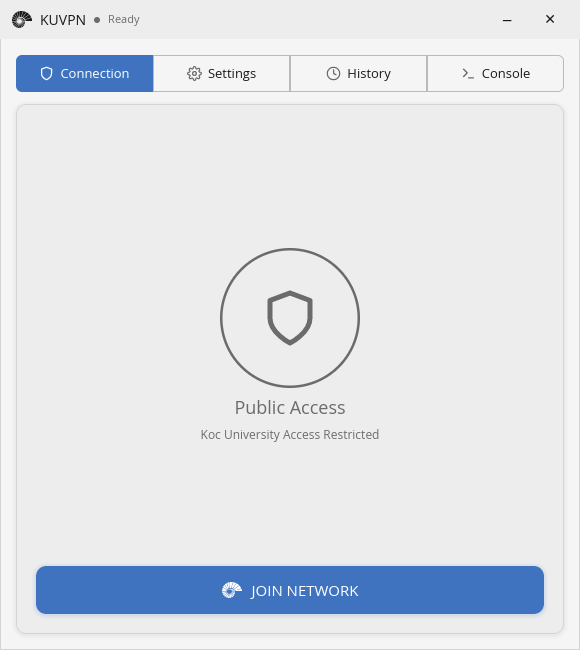
Graphical App — KUVPN
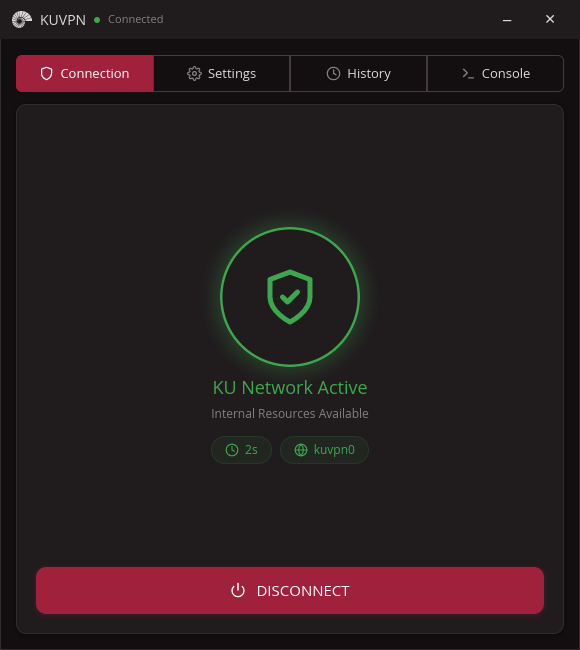
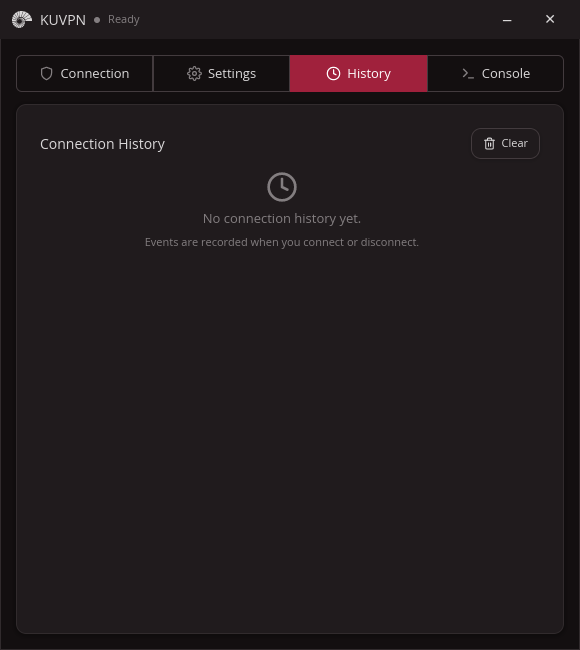
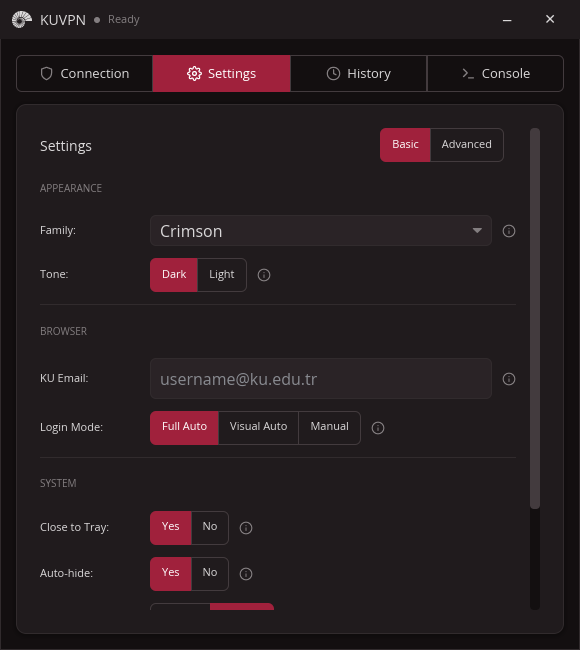
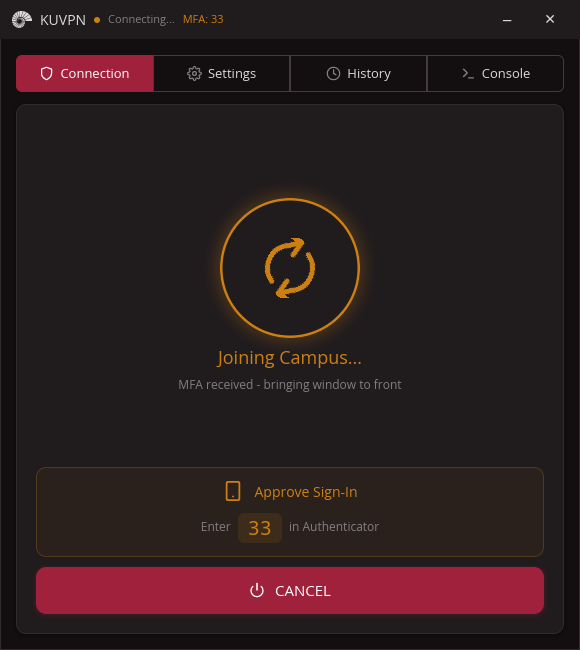
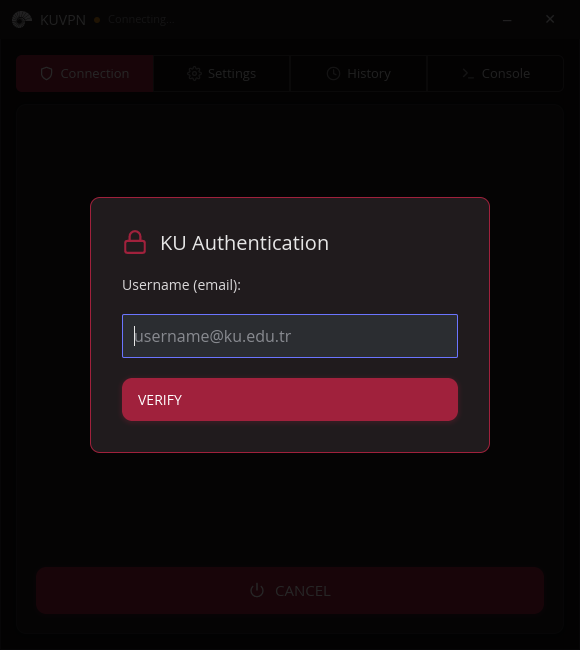
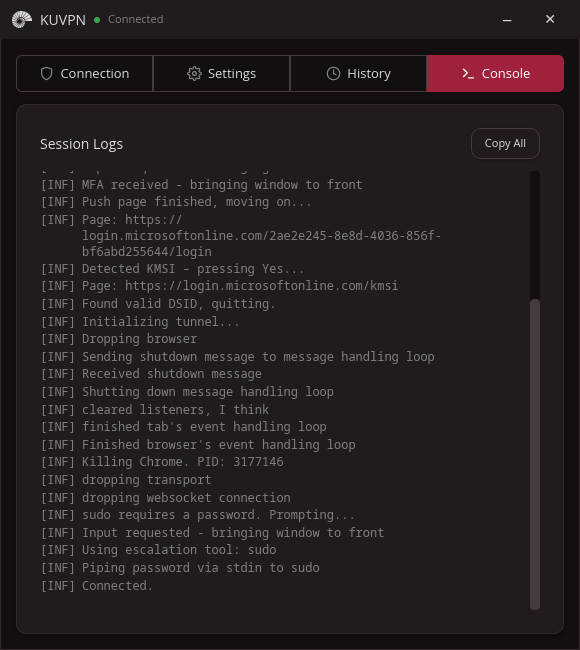
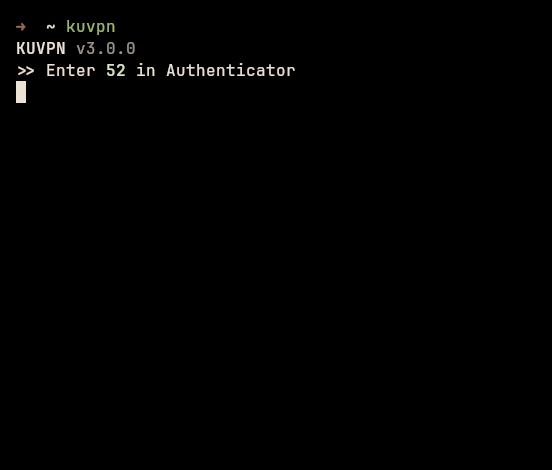
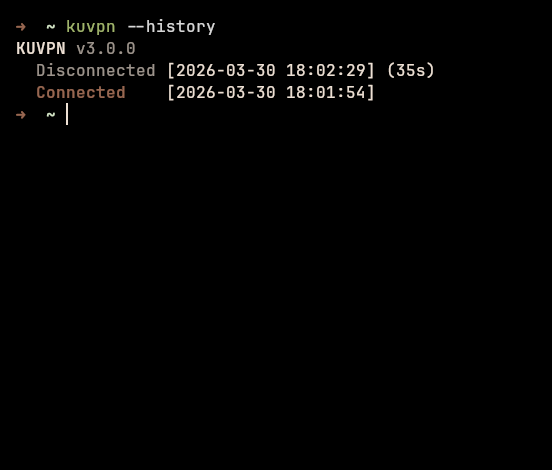
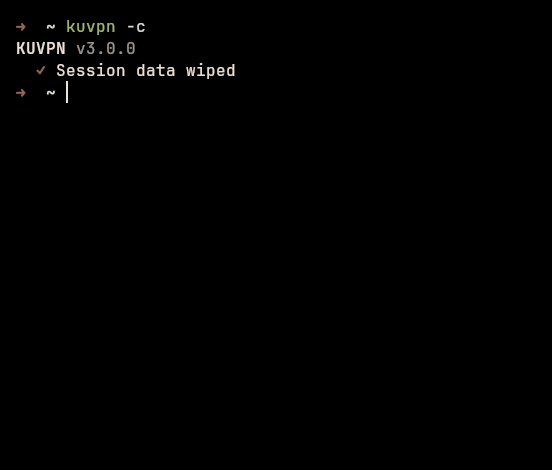
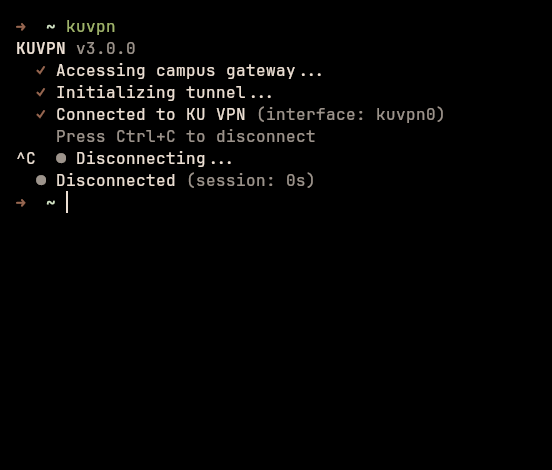
Command-line Tool — kuvpn
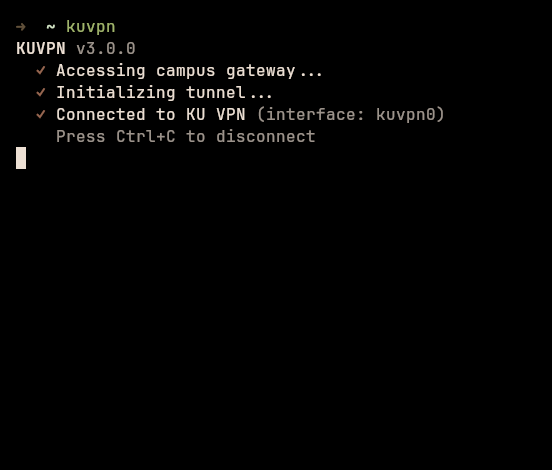
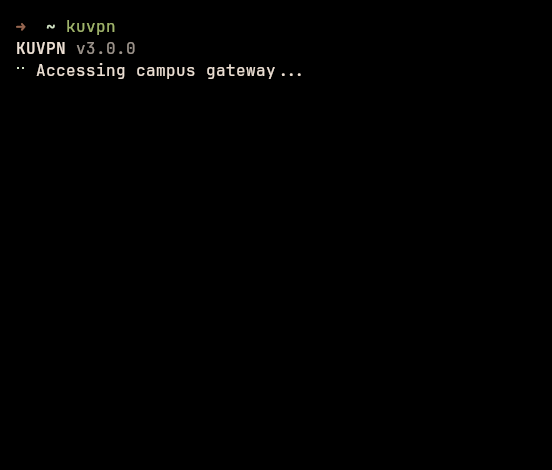
VPN client for Koç University. Automates Azure AD / MFA login and establishes your VPN tunnel seamlessly.
Paste the command into a terminal. The installer handles GUI, CLI, and OpenConnect.
Built for Koç University students and staff who just want the VPN to work.
Lives in your system tray. Connect with one click, watch the status circle go green, and forget it's even running. Designed for everyday desktop use.
A single static binary with zero runtime dependencies. Perfect for SSH sessions, scripts, and power users who live in the terminal.
--dsid to print the cookie for pipingAutomated browser walks through the full Azure AD flow — email, password, Authenticator push, number matching, and OTP fallback when push isn't available.
When Microsoft asks you to type a code into Authenticator, KUVPN brings the window forward and shows the code in big, readable text — no scrambling for your phone.
Watches the VPN interface itself, not just the OpenConnect process. Reconnects up to 3 times if the tunnel drops, and quietly clears stale sessions when the gateway rejects them.
Refuses to start if another full-tunnel VPN is already routing your traffic (e.g. a Tailscale exit node) — no more confusing half-connected states.
Full tunnel routes everything through the university VPN. Manual mode accepts your own vpnc-script for split tunneling and custom DNS.
Past sessions with timestamps, durations, and reconnect counts — visible in the GUI History tab or via kuvpn --history.
Ten color families — Crimson, Slate, Ocean, Forest, Rose, Violet, Ember, Frost, Sand, Pebble — each with light and dark variants, plus rounding and shadow controls.
One-click connect, disconnect, wipe session, or copy logs from the tray menu. The icon updates with your current connection state.
Native packages for all major platforms. No virtual machine needed.
AppImage (GUI) and static musl binary (CLI). Runs on any modern distro.
x86_64 aarch64DMG app bundle (GUI) and universal CLI binary.
Intel Apple SiliconBundled installer — OpenConnect included, no extra setup needed.
x86_64